Problem-Bug #254
closedParent project #560: [PJ230033]Label printing system concept1
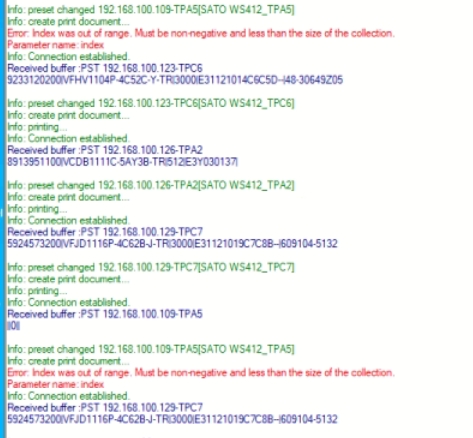
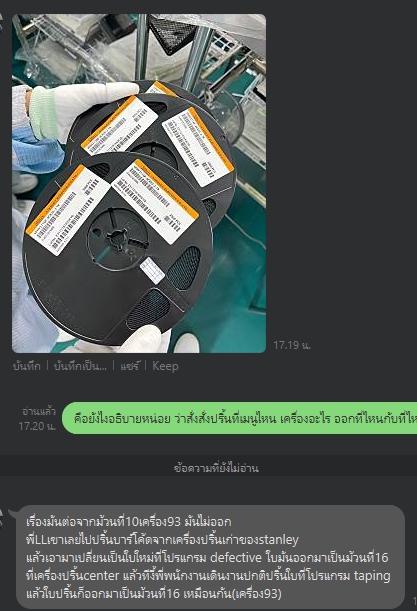
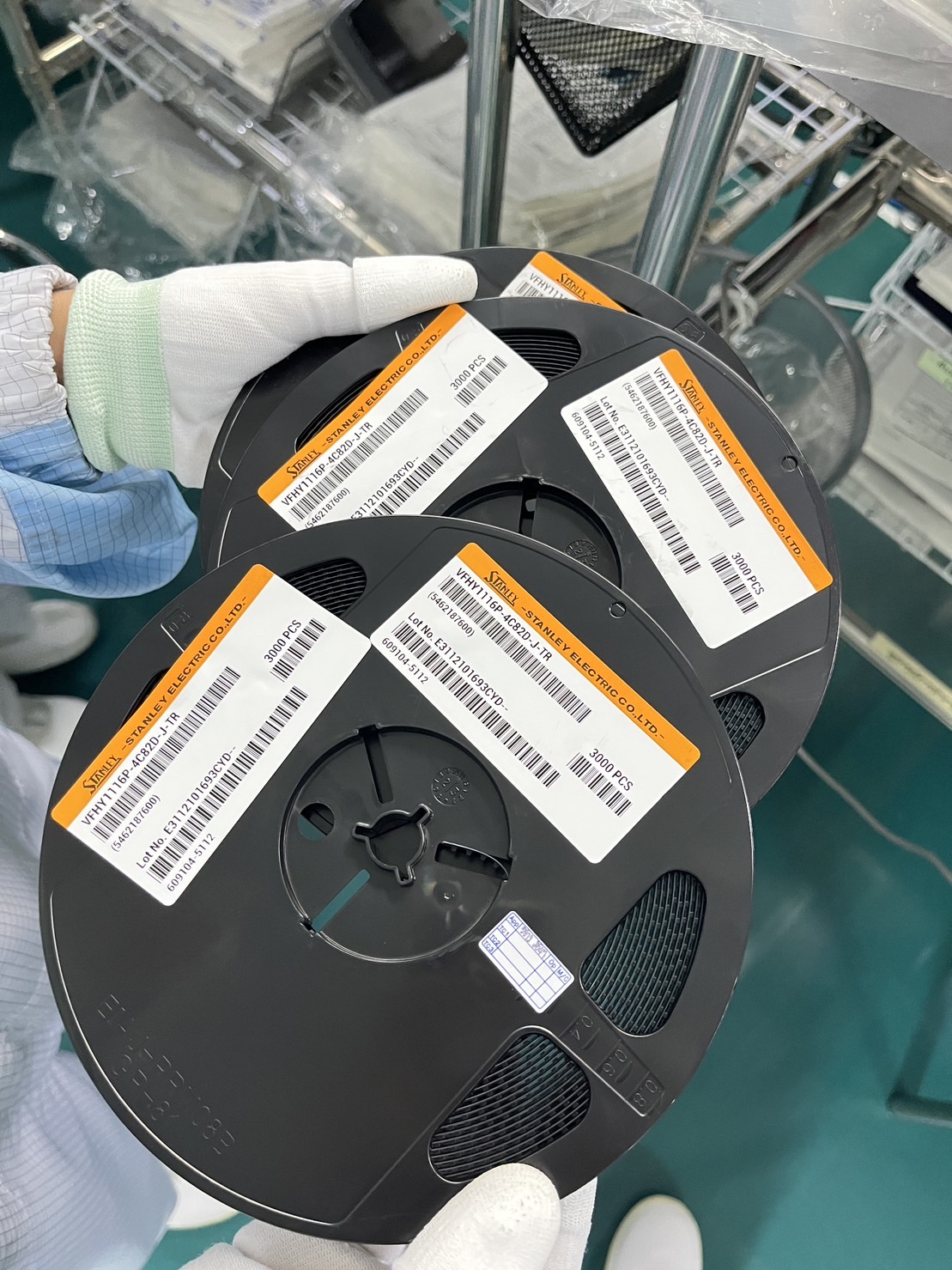
Found a problem with data not being sent for printing, duplicate lot no.
Description
1.Order to print but data not being sent for printing makes it unable to print.
2.Order printing at Menu defective label When I come to order printing at Menu Taping label Duplicate lot number.
3.The balance label has no specified rank.(The customer did not inform the details.)
Files
| 1700561067160.jpg (119 KB) 1700561067160.jpg | Unable to print. | ||
| 1700563281218.jpg (163 KB) 1700563281218.jpg | Duplicate lot number | ||
| S__11124817.jpg (428 KB) S__11124817.jpg | Duplicate lot number | ||
| app-release-v1.2.1.apk (9.33 MB) app-release-v1.2.1.apk | apk file | ||
| v1.2.1.zip (24.4 MB) v1.2.1.zip | source code |
Updated by Soraya Norasing over 2 years ago
- Tracker changed from Project progress work to Problem-Bug
- Status changed from New to In Progress
- % Done changed from 0 to 10
Give advice to customers, investigate problems, find causes.
Updated by Soraya Norasing over 2 years ago
- % Done changed from 10 to 60
BUG [lists edited successfully]
“Problem”
1.Duplicat lot no.
2.problem with data not being sent for printing.
“Cause”
1.Order printed labels together with the same machine from different menus
between Defective label menu with Taping label.
Because the Defective label menu generate lot no --> take photo --> insert lot no.
This allows the system to retrieve the original lot number that has not been updated.
2.Still don't know what the real cause is.
“Solution”
1.change work flow from generate lot no --> take photo --> insert lot no. to generate lot no --> insert lot no.--> take photo
2.Check information before sending it for printing.
If found to be blank Will notify you to make a new transaction.
other lists edited successfully
1.Check the printed quantity so that it is not blank or 0.
2.Defective label menu show the QTY/REEL and can be edited
Change format balance label
Haven't fixed it yet, waiting to finalize details with the customer.
Updated by Soraya Norasing over 2 years ago
- File v1.2.1.zip v1.2.1.zip added
- File app-release-v1.2.1.apk app-release-v1.2.1.apk added
- Status changed from In Progress to Confirmation request
- % Done changed from 60 to 100
- Finish date set to 29 Nov 2023
-modify format balance label
-modify template label
-edit api
-test handy app and test windows app (report & impport item master)
Updated by Kittisak Isarapongporn over 2 years ago
- Status changed from Confirmation request to Close request
Updated by Ryo Nozaki over 2 years ago
- Status changed from Close request to Closed
Updated by Ryo Nozaki over 2 years ago
- Project changed from 30 to ASIAN STANLEY. INTERNATIONAL LIMITED.
- Parent task set to #560